
Class scheduling software.

Spend less time planning and more time teaching with class scheduling software that builds your timetable, fills spaces, slots in make-up classes, and keeps everyone in the right place - automatically.
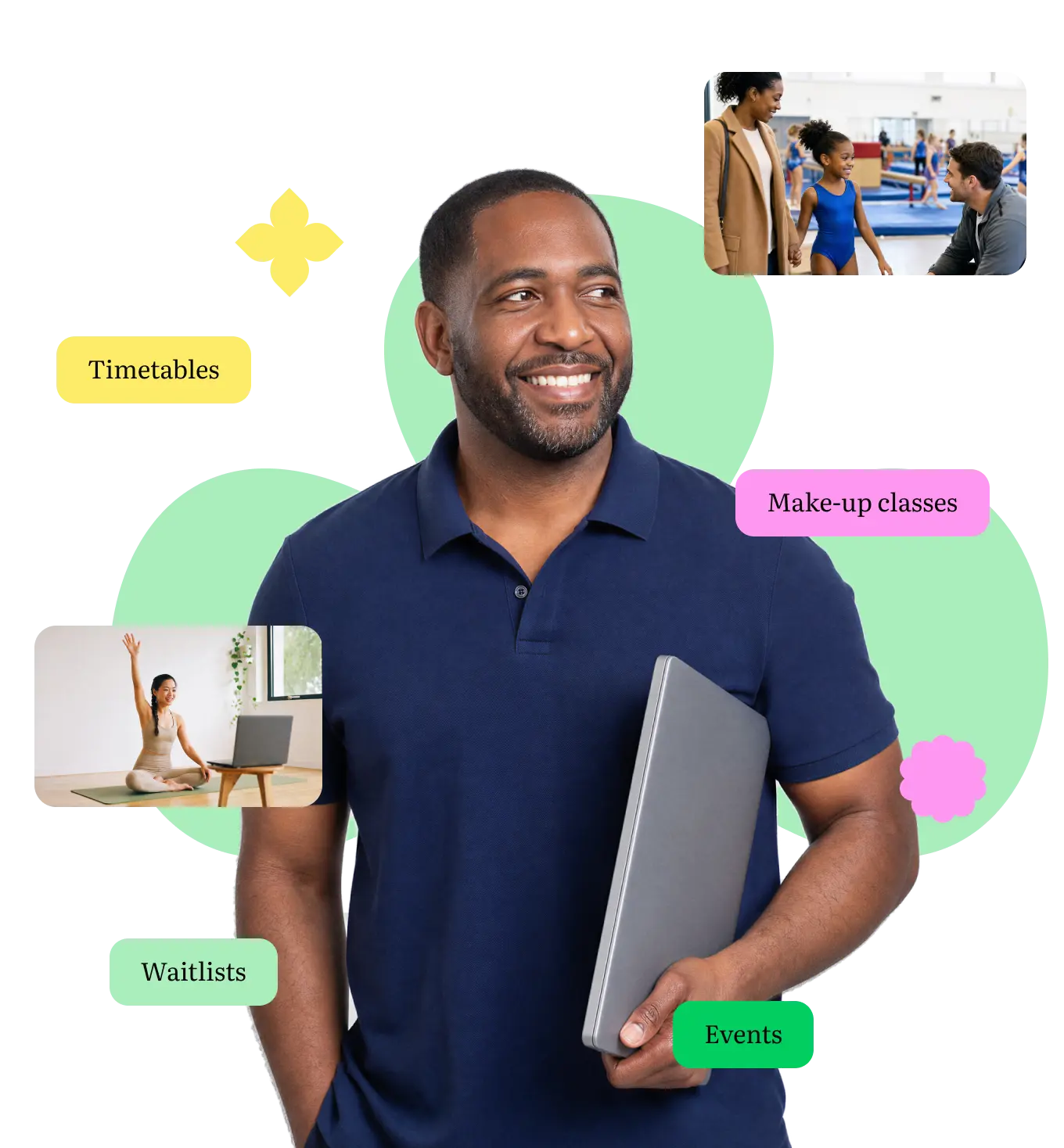
Get time back to teach
New classes, cancellations, virtual sessions, last-minute changes - it adds up fast. ThinkSmart's software for class scheduling sorts it all, so you can get back to what you're actually there for.

Creating classes
Set up a new class in a few taps - capacity, pricing and schedule, done. No spreadsheets, no double entry.
Virtual classes
Run online sessions alongside your in-person timetable, so students can join however works best for them.


Make-up classes
Miss a session, get booked into the next one - automatically. No spreadsheets, no back-and-forth emails.
Event Planner
Plan recitals, showcases and competitions in the same system as your regular classes, so nothing clashes and nothing gets missed.


Waiting List
Track demand for every class and offer spaces to the next person in line when vacancies become available.
Up and running in three steps

Step 1: Set up your classes
Add your classes, terms and timetable – we’ll import your customer and student data ready for enrolments.

Step 2: Open bookings
Let customers book, join waiting lists, and manage their own spot, online.

Step 3: Let ThinkSmart take over
Let your bookings flow with ease – make-up classes and waiting list registrations run themselves, so your timetable manages itself.



Less timetabling.
More time teaching.
See how ThinkSmart keeps your schedule full and running smoothly, without the admin.

2,000+
Customers

4.8/5
Customer rating

“At the touch of a button, or two, I can copy classes and fees to the next term… I wouldn’t be without it!”

“Being able to operate our entire business with numerous venues from one central software system on the web has allowed us flexibility which previously we could only dream of.”

“ThinkSmart is very user friendly and has been designed for a coaching business. We deal with nearly 1000 students per week.”

Everything you need to know about class scheduling
What is class scheduling software?
Class scheduling software brings your timetable, bookings and waiting lists into one place, so you're not juggling spreadsheets or chasing changes by hand. ThinkSmart's software for class management goes a step further, handling make-up classes, virtual sessions and one-off events too - all from the same system as your regular timetable.
Can I run virtual and in-person classes in the same system?
Yes. Set up virtual sessions alongside your regular timetable, so you can offer both without juggling separate tools.
What happens if a student misses a class?
With our Customer Portal, your customers can rebook their missed classes themselves, so you don’t have to manage it manually.
Can I plan one-off events like recitals or competitions?
Yes. The Event Planner lets you organise one-off events in the same system as your regular classes, so there's no double-booking.
How do waiting lists work?
When a class is full, customers can join a waiting list. When a spot opens up, you can offer it to the next person in line.
How easy is it to set up my timetable in ThinkSmart?
Set up your schedule in a few simple steps. Watch our short video or book a 1:1 call with us, and you’ll be up and running quickly.